COLLECT
From card chaos.
To total control.
Scan a card, review its printing, and give it a home. Find what you own by game, set, condition, or storage location.
Your cards. Your printings. Your places.
FOR THE CARD-OBSESSED
Five games. One seriously good home for your collection. Scan it. Sort it. Build something worth playing.
WINDOWS 10 / 11 · PUBLIC BETA · YOUR COLLECTION STAYS LOCAL
 BIG COLLECTION.
PICK YOUR OBSESSION / 01
Yes, you can collect more than one.
We’re not here to judge.
LESS ADMIN. MORE PLAY. / 02
COLLECT
Scan a card, review its printing, and give it a home. Find what you own by game, set, condition, or storage location.
BUILD
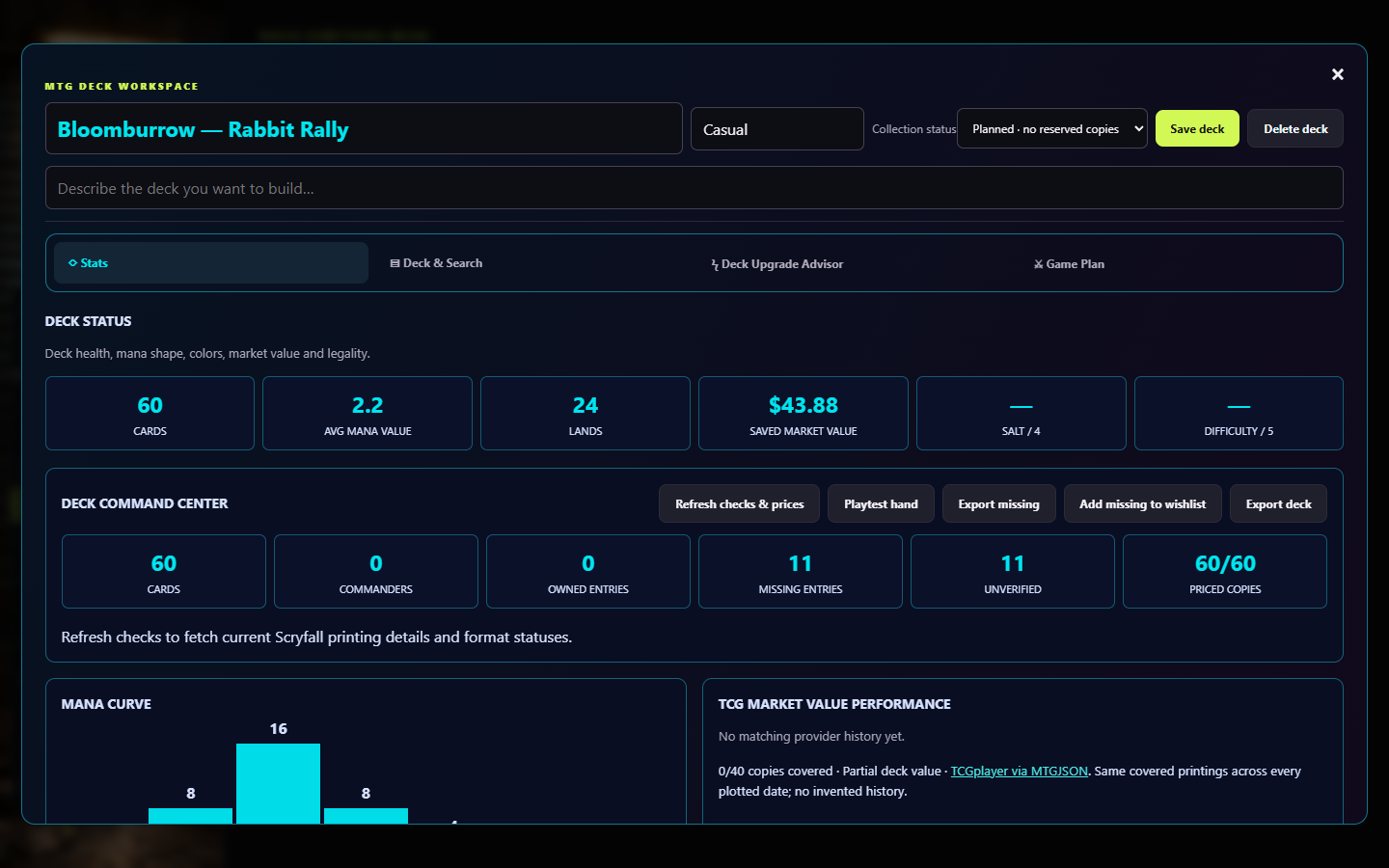
Import a deck or start from scratch. Explore its stats, estimated value, and game plan in the Deck Workshop.
TRACK
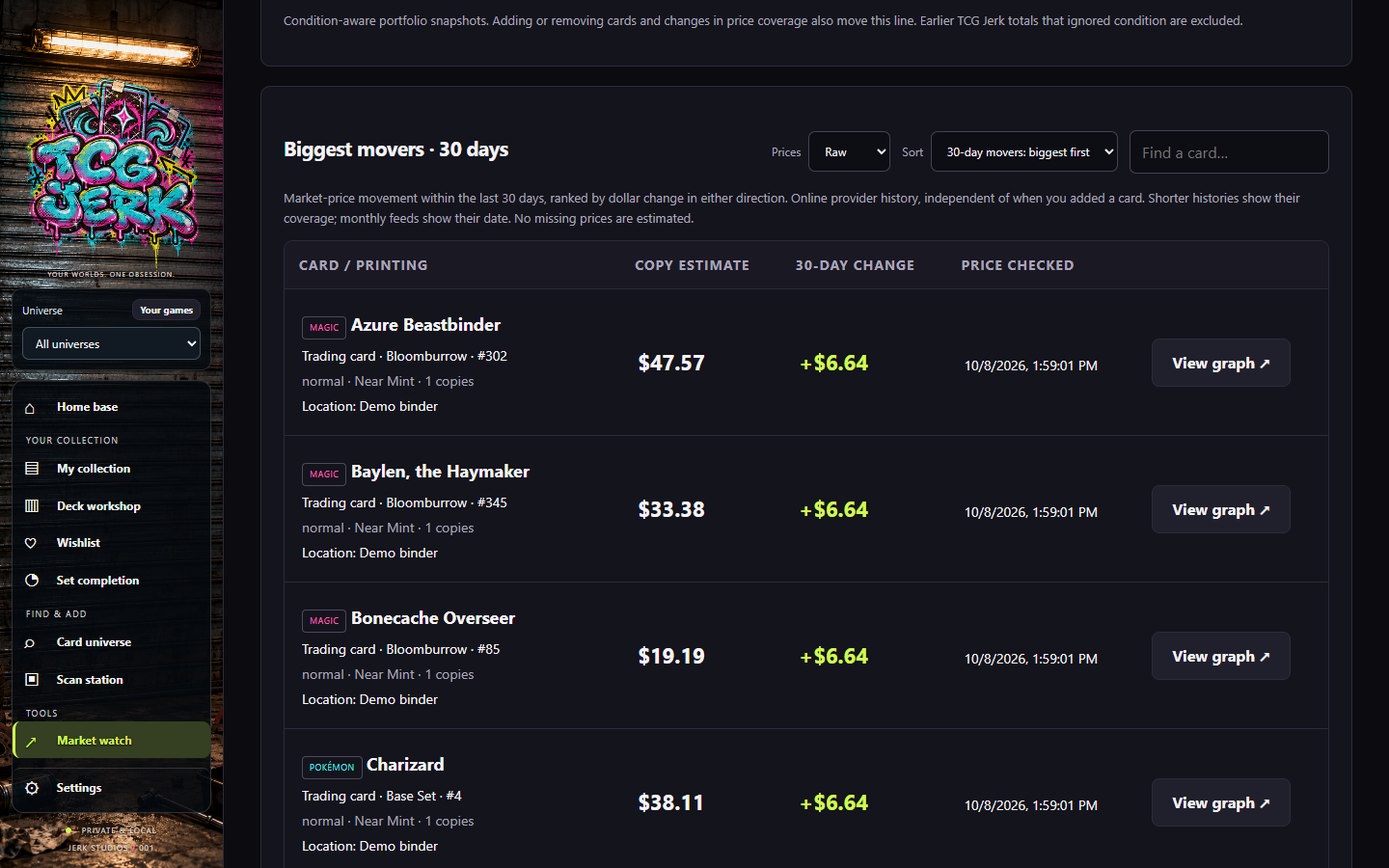
Explore biggest movers, available price history, and raw and graded references. See your collection from a different angle.
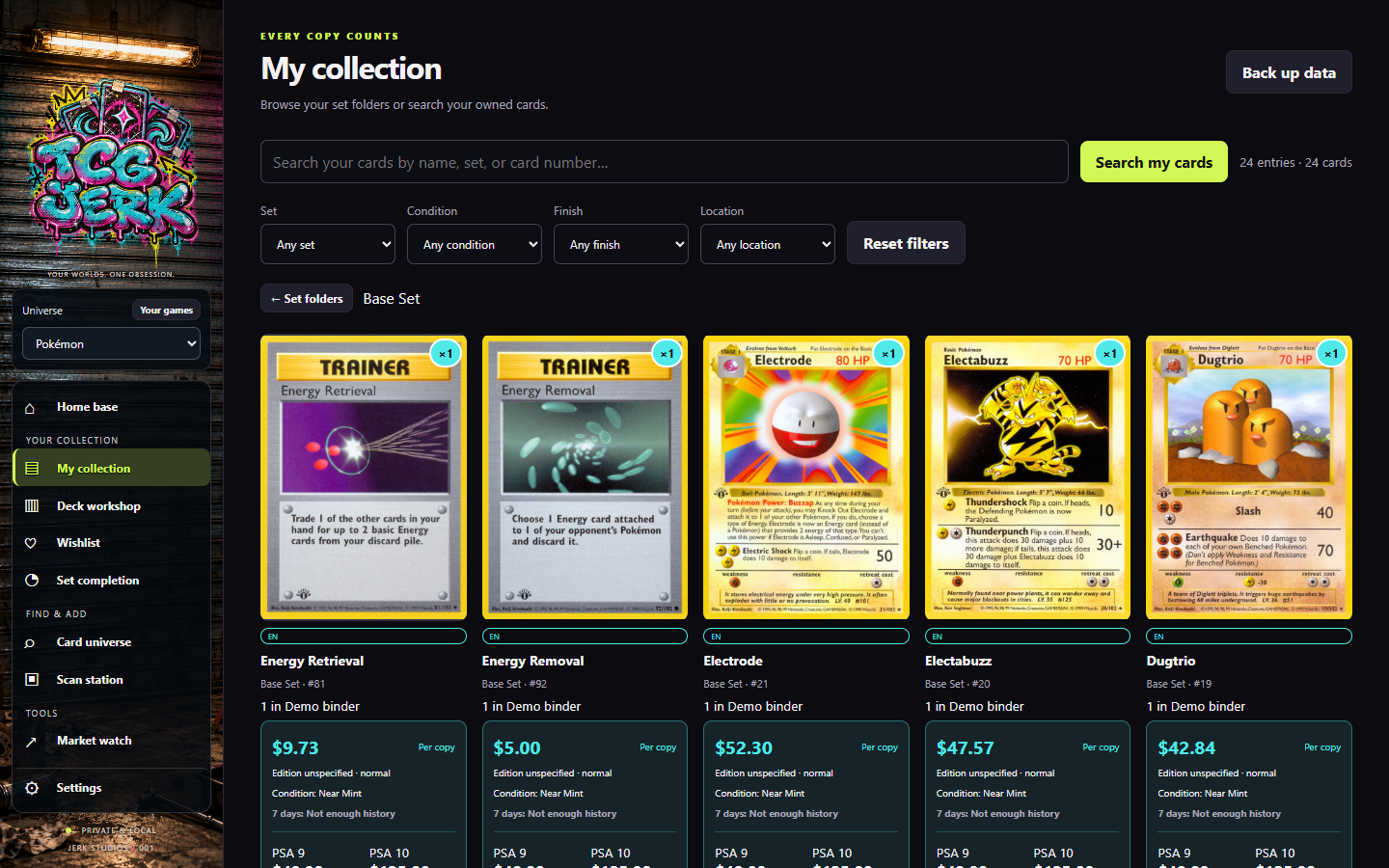
App screenshots use a demo collection and illustrative prices.
FOR THE “JUST ONE MORE” CROWD
Turn your collection into a checklist. Set Completion keeps track of what you own and what you still need.
See it in the tourDON’T TAKE OUR WORD FOR IT / 03
FIVE GAMES. ONE WORKSPACE.
Take the 90-second tour. From your favorite cards to your next deck.
Recorded in the Windows app with a demo collection and illustrative prices. Music: Lofi again by omfgdude (CC0).
Get TCG Jerk for Windows ↗YOUR NEXT PULL DESERVES A HOME.
Download. Install. Make room for the good stuff.
The latest TCG Jerk package will appear here when it is ready.
Inventory and decks stay local. Back up in Settings before moving from an older version. New installations start with an empty collection.
The Windows beta is unsigned. Internet is needed for online artwork and pricing; availability varies by printing and grade. Phone scanning requires local pairing.